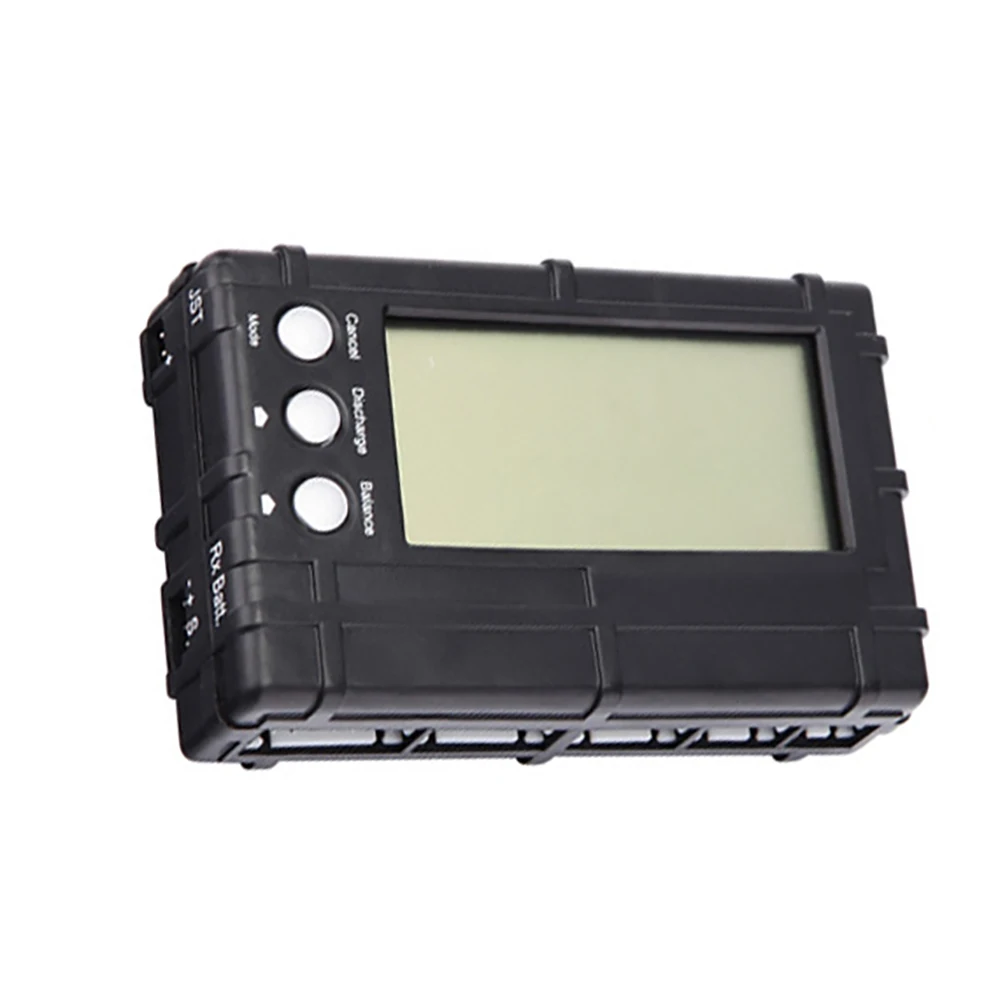
2-6S Battery Balancer Equalizer Discharger
free return
Do you live in Belgium or The Netherlands? Then you can return your package for free!
Description
SPECIFICATIONS
Brand Name: NoEnName_Null
Origin: Mainland China
Condition: New
Type: Voltage Regulator
Model Number: 2–6S BMS LiPo/LiFePO4 Battery Balancer
Supply Voltage: 2–6S BMS LiPo/LiFePO4 Battery Balancer
Dissipation Power: 2–6S BMS LiPo/LiFePO4 Battery Balancer
is_customized: Yes
Operating Temperature: 2–6S BMS LiPo/LiFePO4 Battery Balancer
Application: SPEAKER
Package: SMD
Choice: yes
semi_Choice: yes
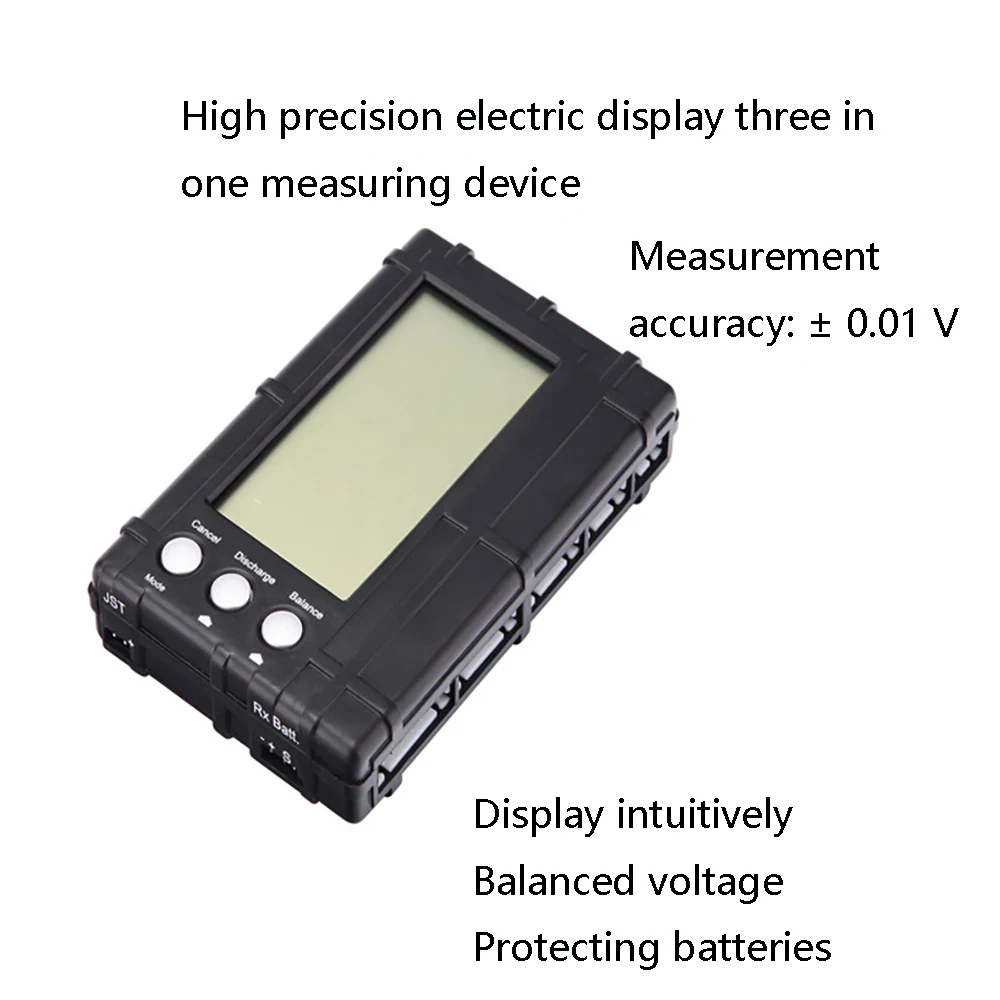
Parameters:
Supported battery type: LiPo/LiFe, 2–6 cells
(Nominal voltage: 7.4 V–22.2 V; use the tap connector.)
Receiver battery: 1.2 V–8.5 V DC
(Not limited to a specific battery type, but it must be externally connected to 7.4 V–11.1 V and use a JST connector.)
Balance voltage setting range (lower limit): 2.0 V–3.9 V (default: 3.3 V)
Discharge voltage setting range (lower limit): 3.0 V–4.2 V (default: 3.9 V)
Discharge current (4.0 V/cell): approximately 450 mA
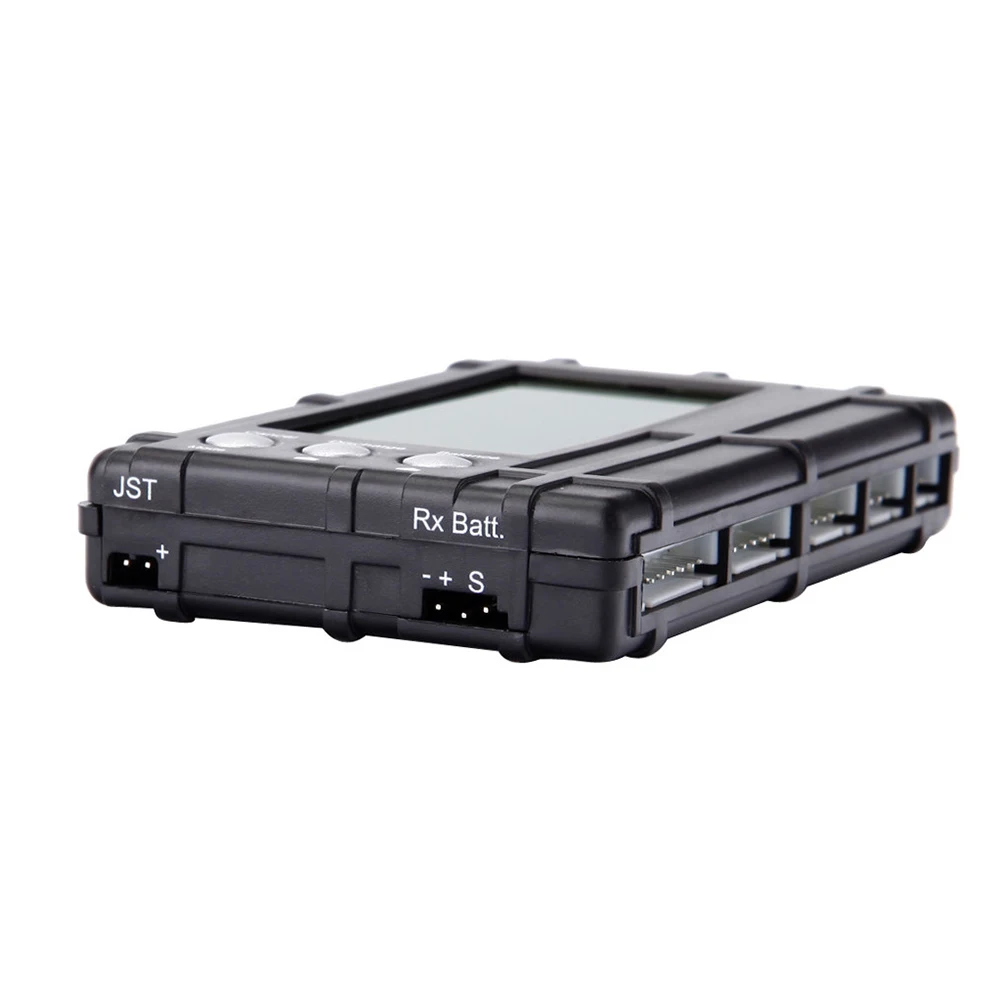
Supported battery ports: standard battery linear port, JST plug port, and receiver port
Important: Do not connect two batteries at the same time! Only one port may be used at a time. Otherwise, the device may overload and burn out.
How do you use the balance function?
Insert the lithium battery pack’s balance connector into the corresponding socket and press the Balance button. A light bulb icon will appear next to the battery, and a balance icon will appear on the screen alongside the words “Balance mode.” Once balancing is complete, the light bulb icon will disappear. Press Cancel to exit balance mode.
How do you use the discharge function?
Insert the lithium battery pack’s balance connector into the corresponding socket and press the Discharge button. A light bulb icon will appear next to the battery, and a battery icon will appear on the screen alongside the words “Discharge mode,” indicating that discharging is in progress. When the battery voltage falls below the set value, the light bulb icon will disappear, indicating that discharging is complete. Press Cancel to exit discharge mode.
How do you set the voltage?
Insert the lithium battery pack’s balance connector into the corresponding socket, press Cancel, and the screen will display the balance voltage limit. Then press Discharge or Limit to adjust the value. After adjusting it, press Cancel to exit.
Package included:
1 x 3-in-1 Battery Balancer LiPo/LiFe 2–6S Cell Balancing Discharger Voltage Meter Tester with LCD Screen and JST Connector for RC Models